LYNXEL STUDIO
From model toPrint-ready.
Lynxel Studio is the desktop slicer for Lynxel 3D printers, with AI built in. Slice quickly and precisely, apply full-colour process profiles, generate supports, and send print jobs directly to your printer.
 High-precision slicing engine
- Full-colour process control
- Seamless handoff to your printer
- AI-assisted slicing
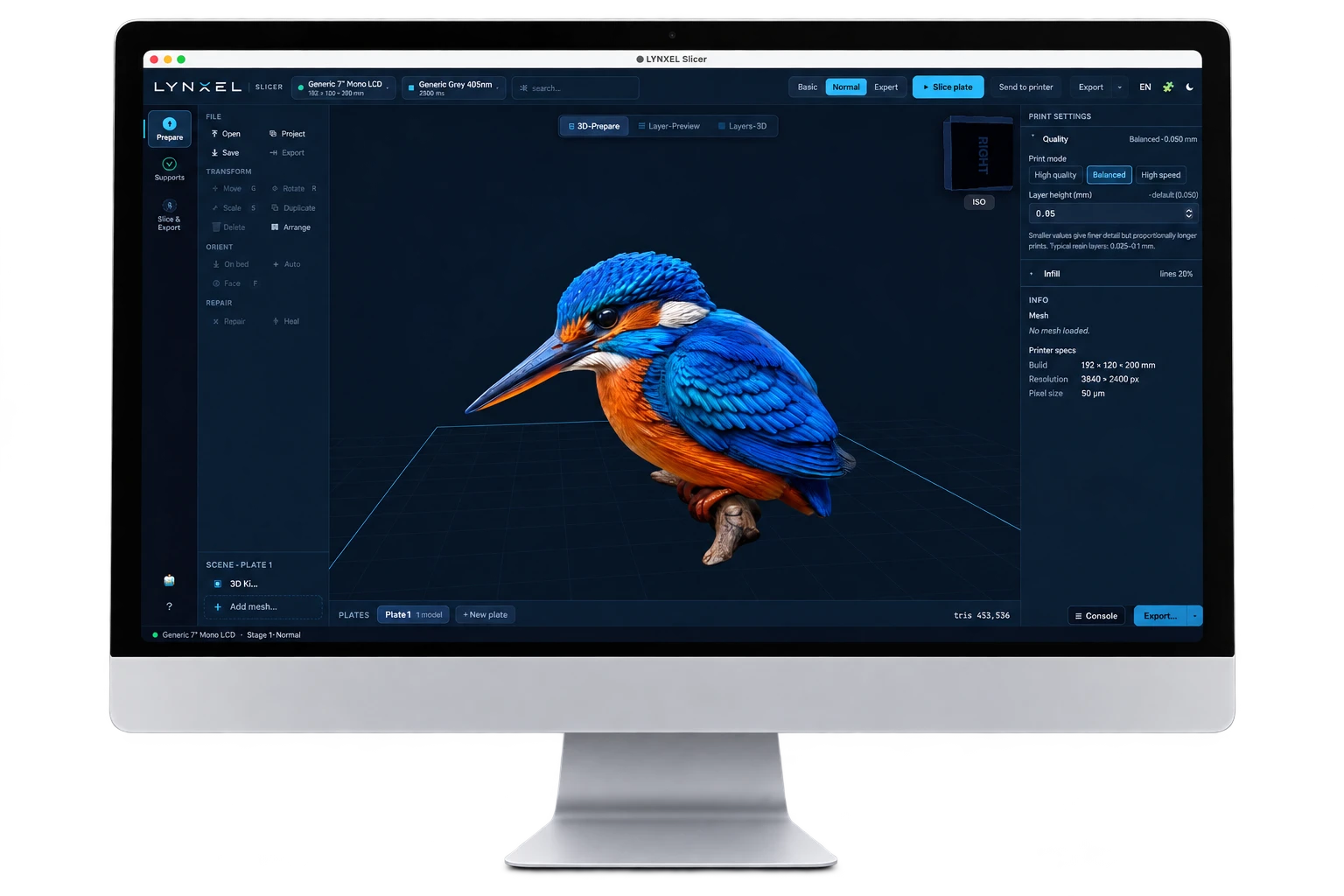
Your model. Ready for the next step.
Prepare models, fine-tune supports and material settings, then review each layer before sending your file to the printer.
Feature screenshots use demonstration data; displayed estimates are illustrative. Downloads are not yet available.
-
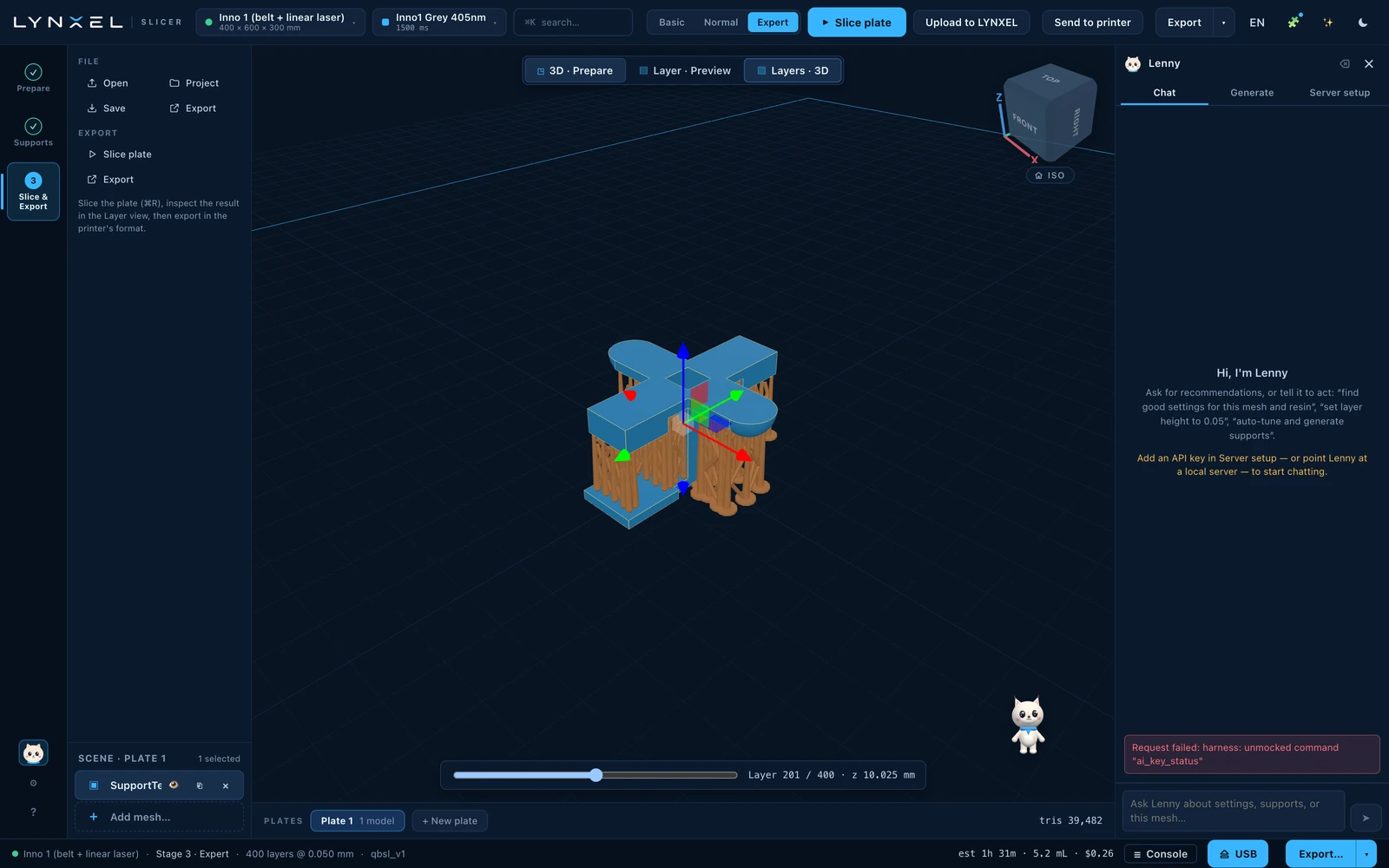
Integrated Lenny AI Assistant
Ask Lenny for guidance on print settings, supports, and model preparation.
-
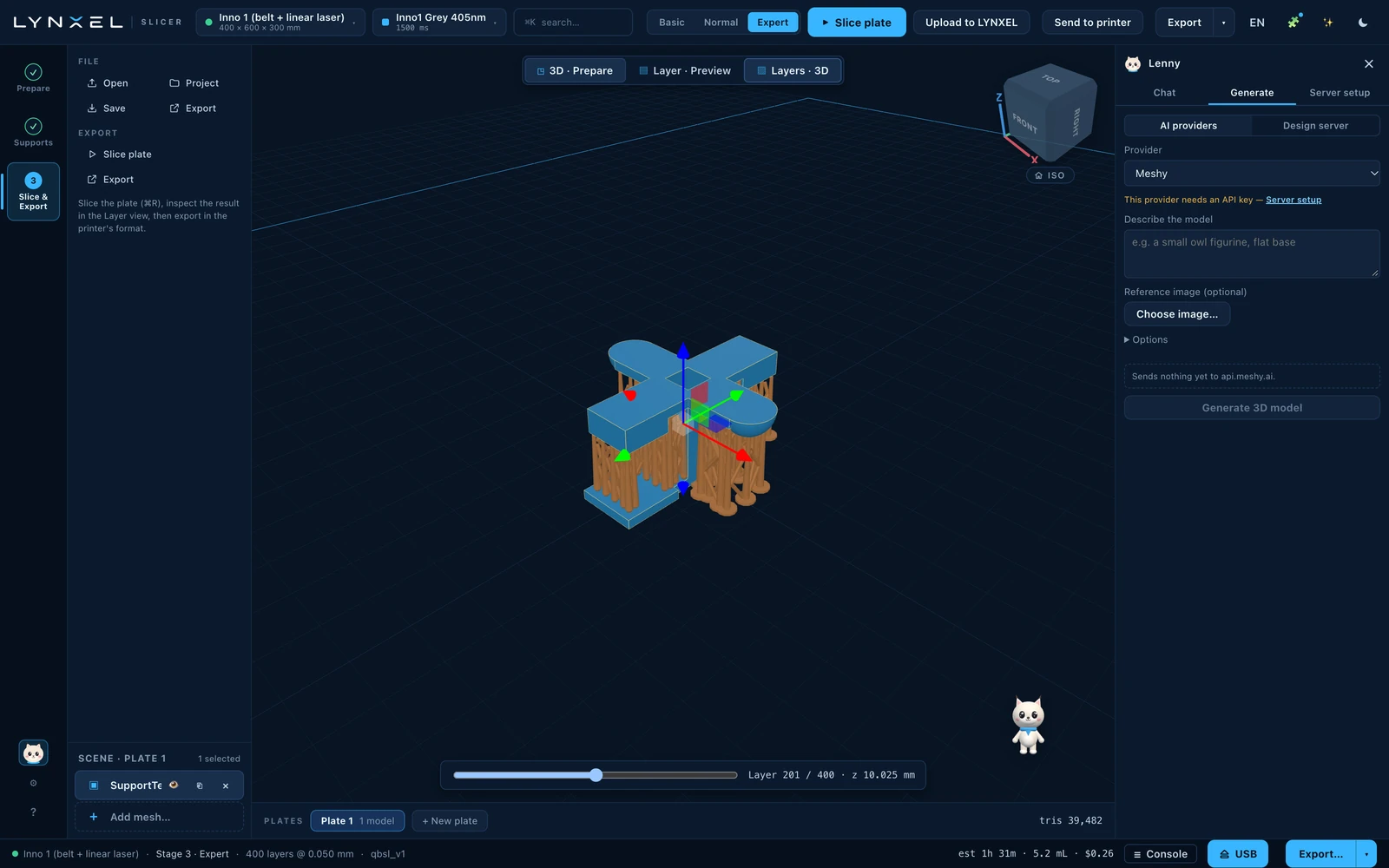
AI-Powered 3D Model Generation
Turn text prompts and images into 3D models through integrated third-party AI tools.
-
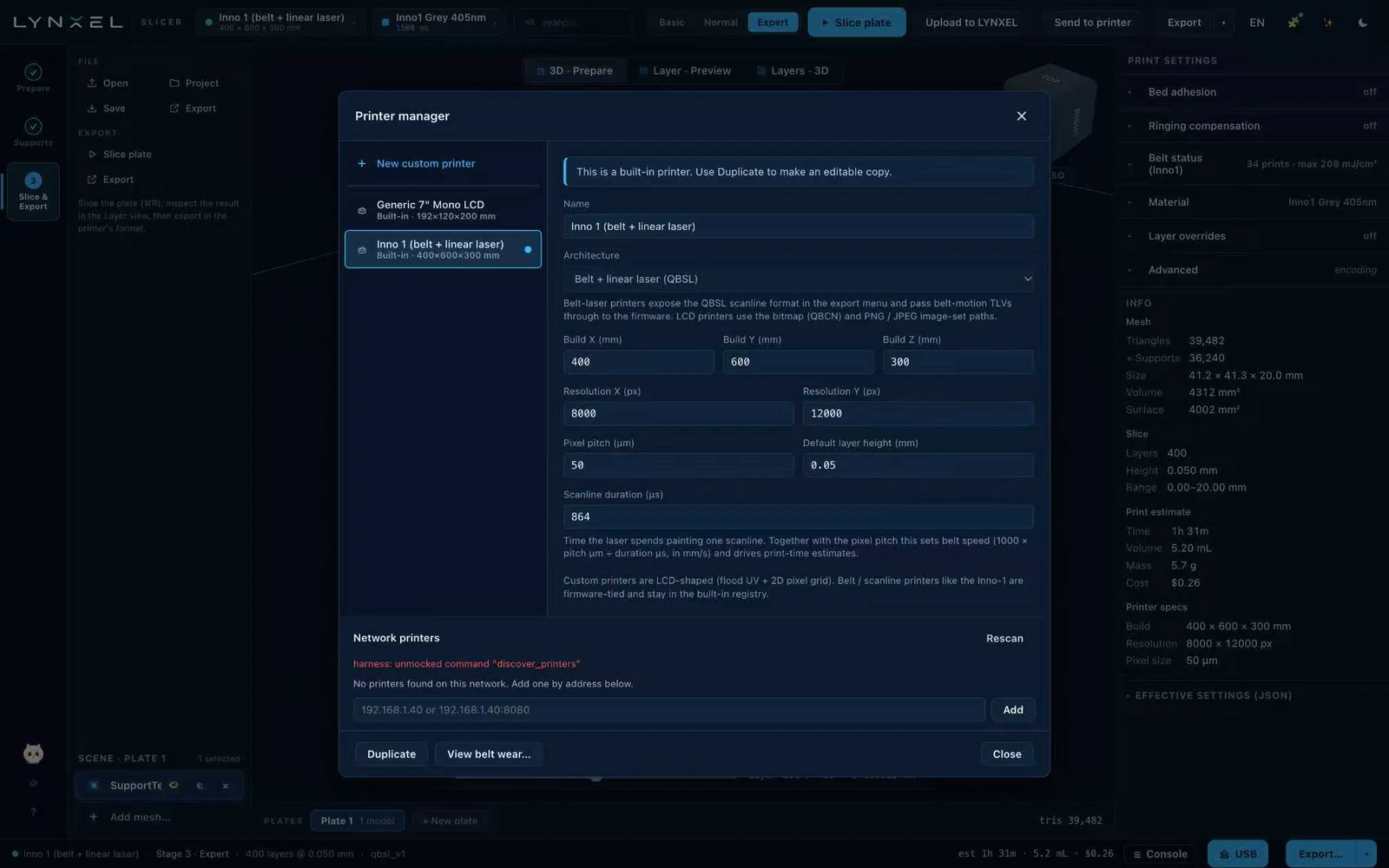
Printer & Network Configuration
Configure printer settings and manage network-connected printers directly in Lynxel Studio.
-
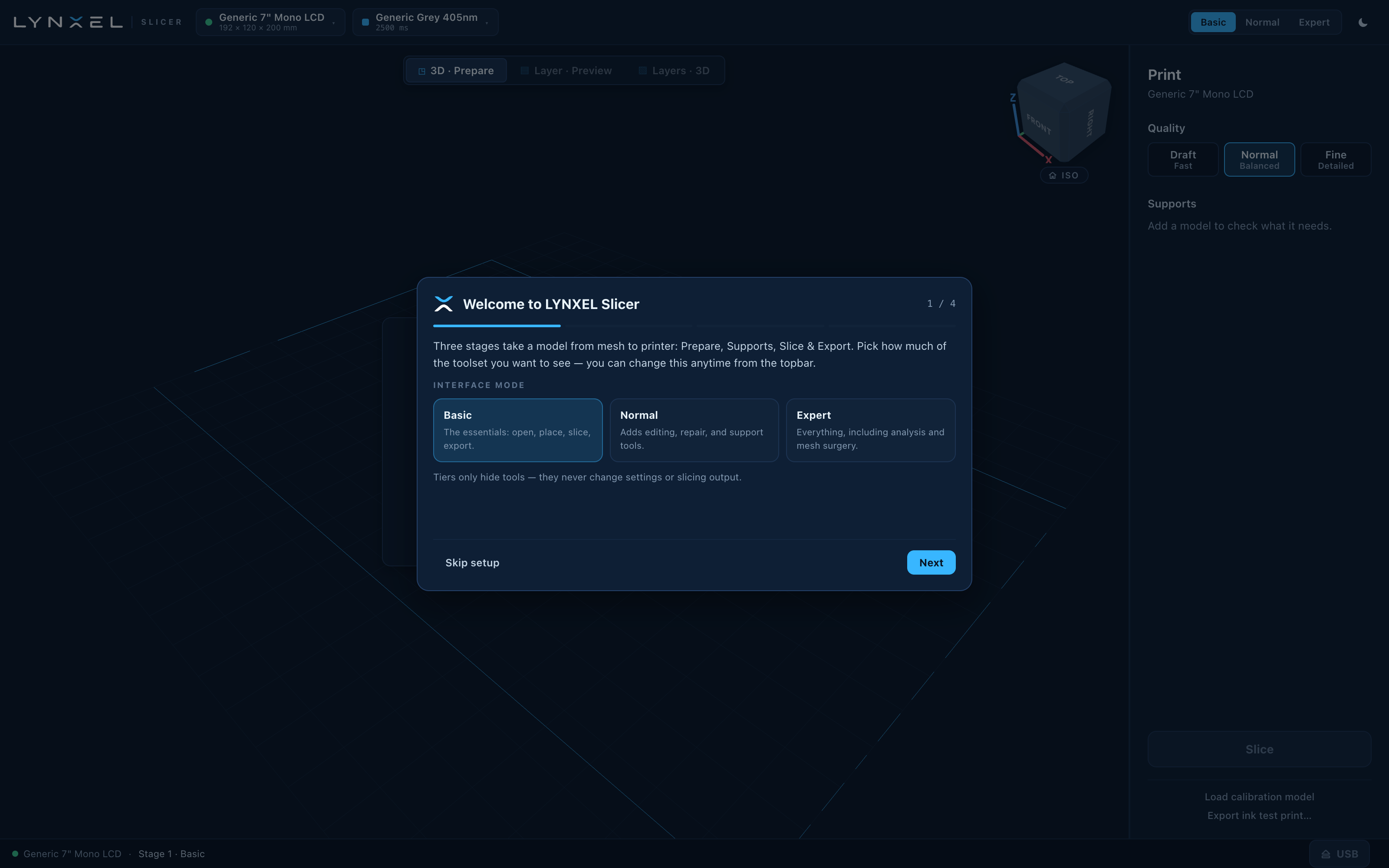
Interface Modes
Choose Basic, Normal or Expert to adjust the tools shown, without changing settings or slicing output.
-
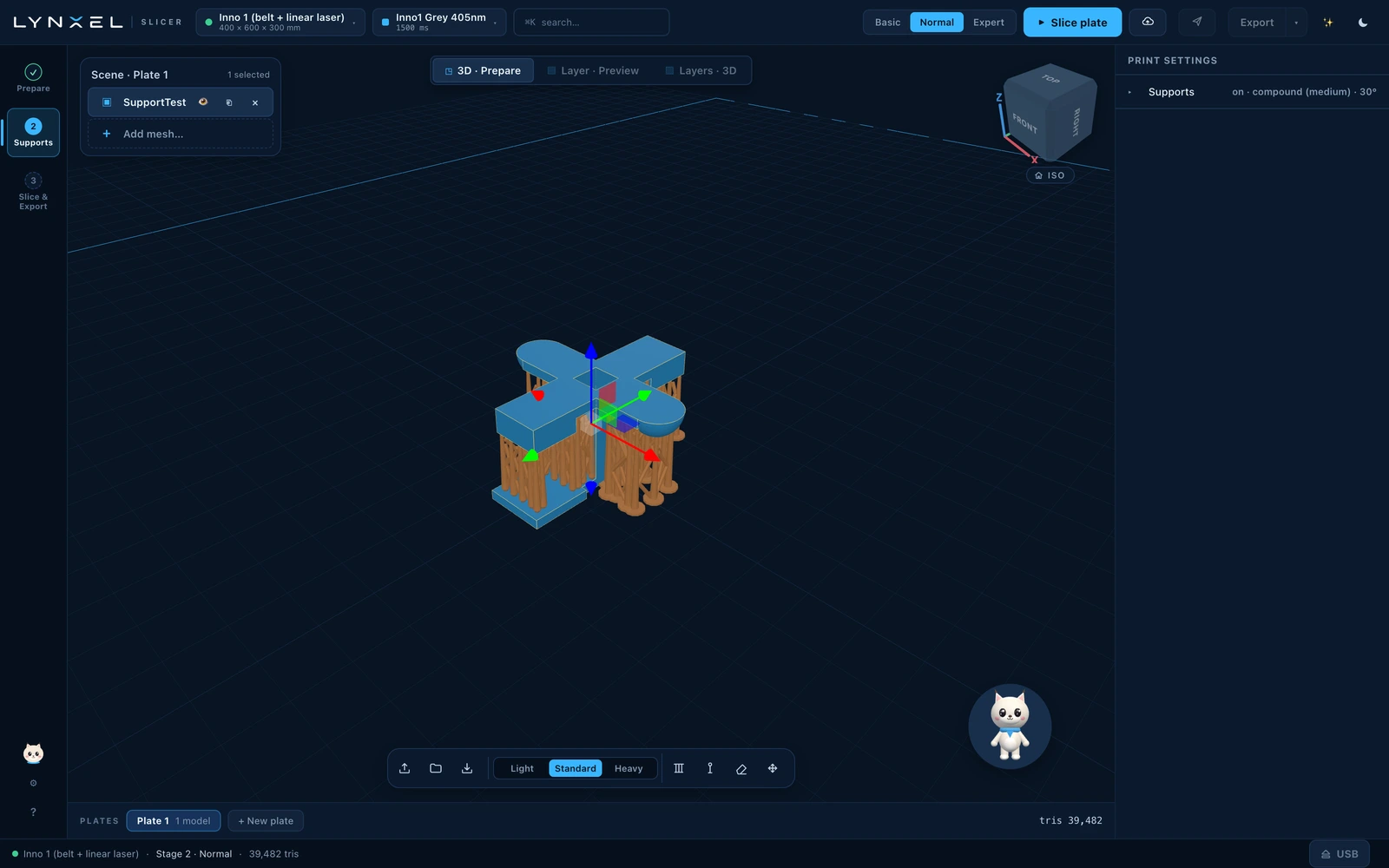
Support Settings
Choose Light, Standard or Heavy supports and review their placement in the 3D workspace.
-
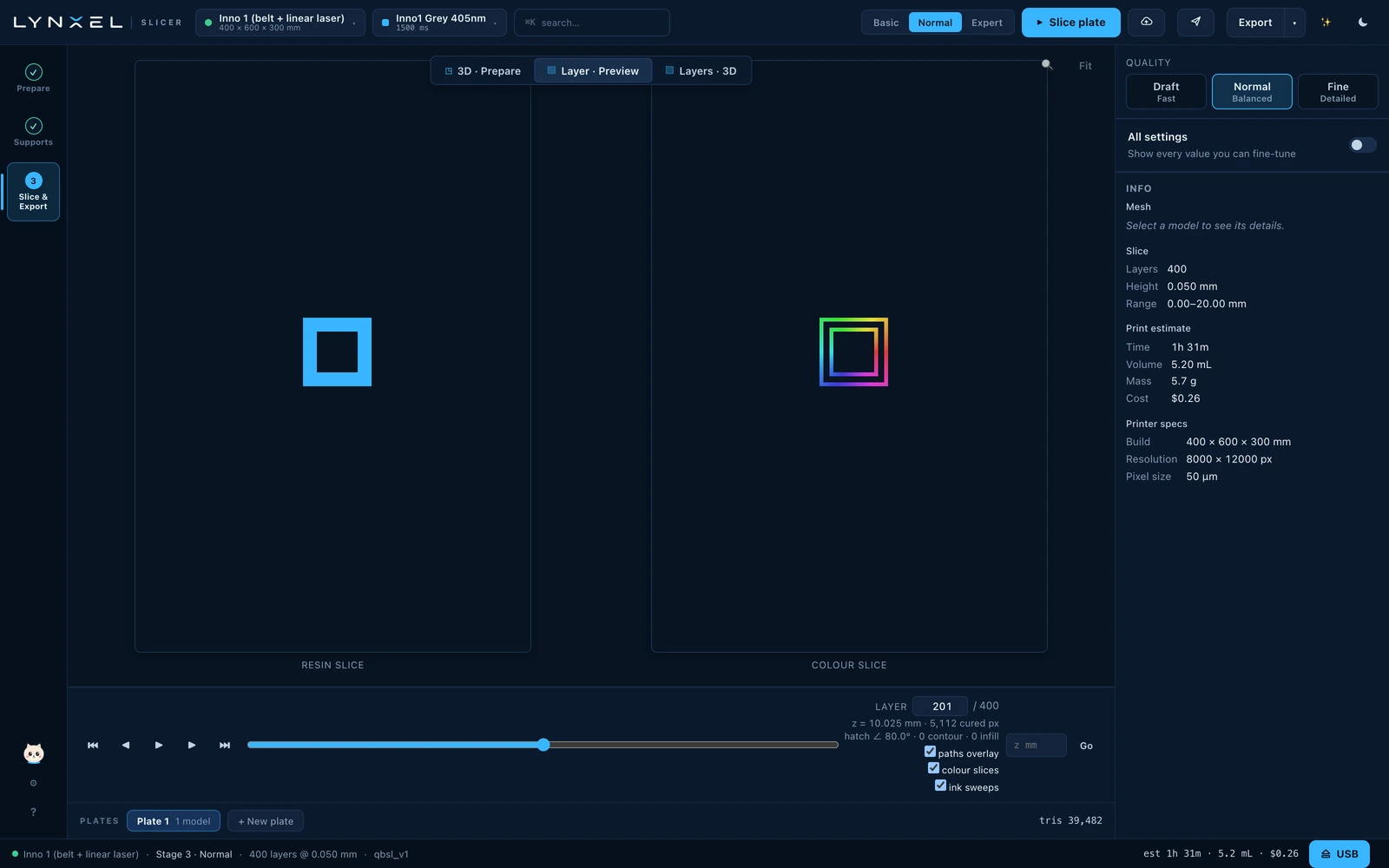
Colour Layer Preview
View the colour slice alongside the resin slice and inspect both at each layer.
-
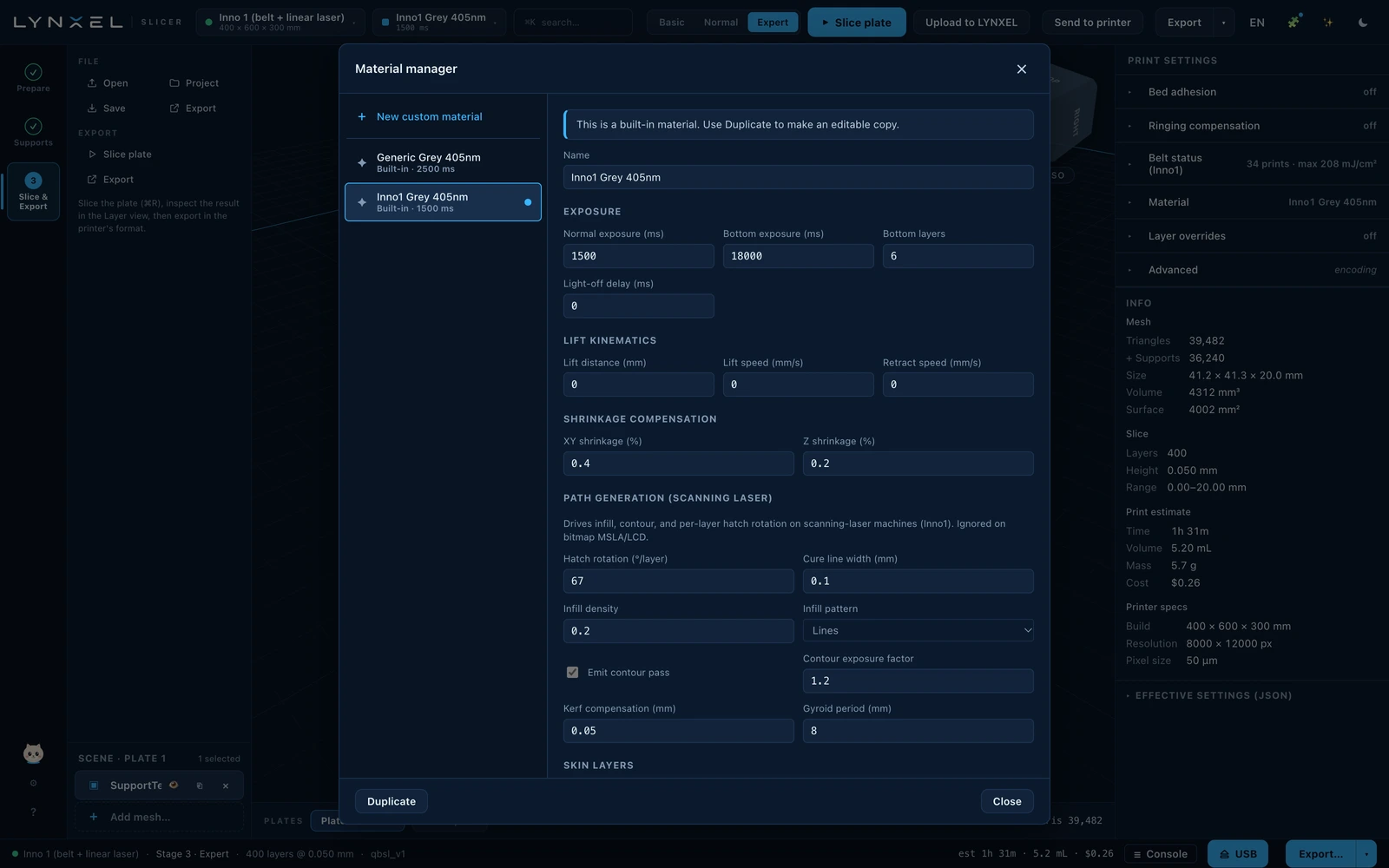
Material Profiles
Select a built-in material or create a custom profile with exposure and process settings.
-
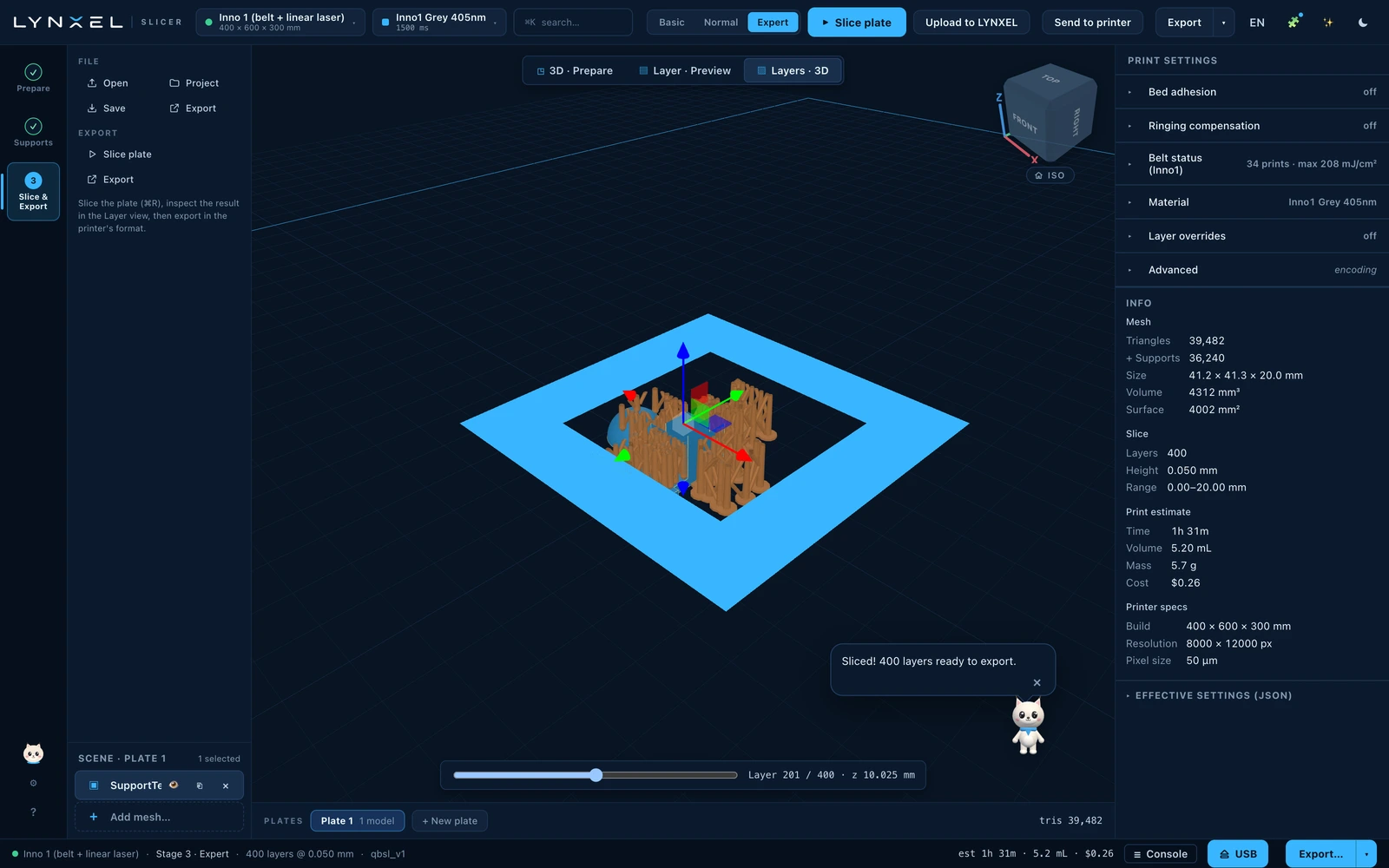
3D Layer Preview
Move through the sliced layers in 3D to inspect the model and its supports.
-
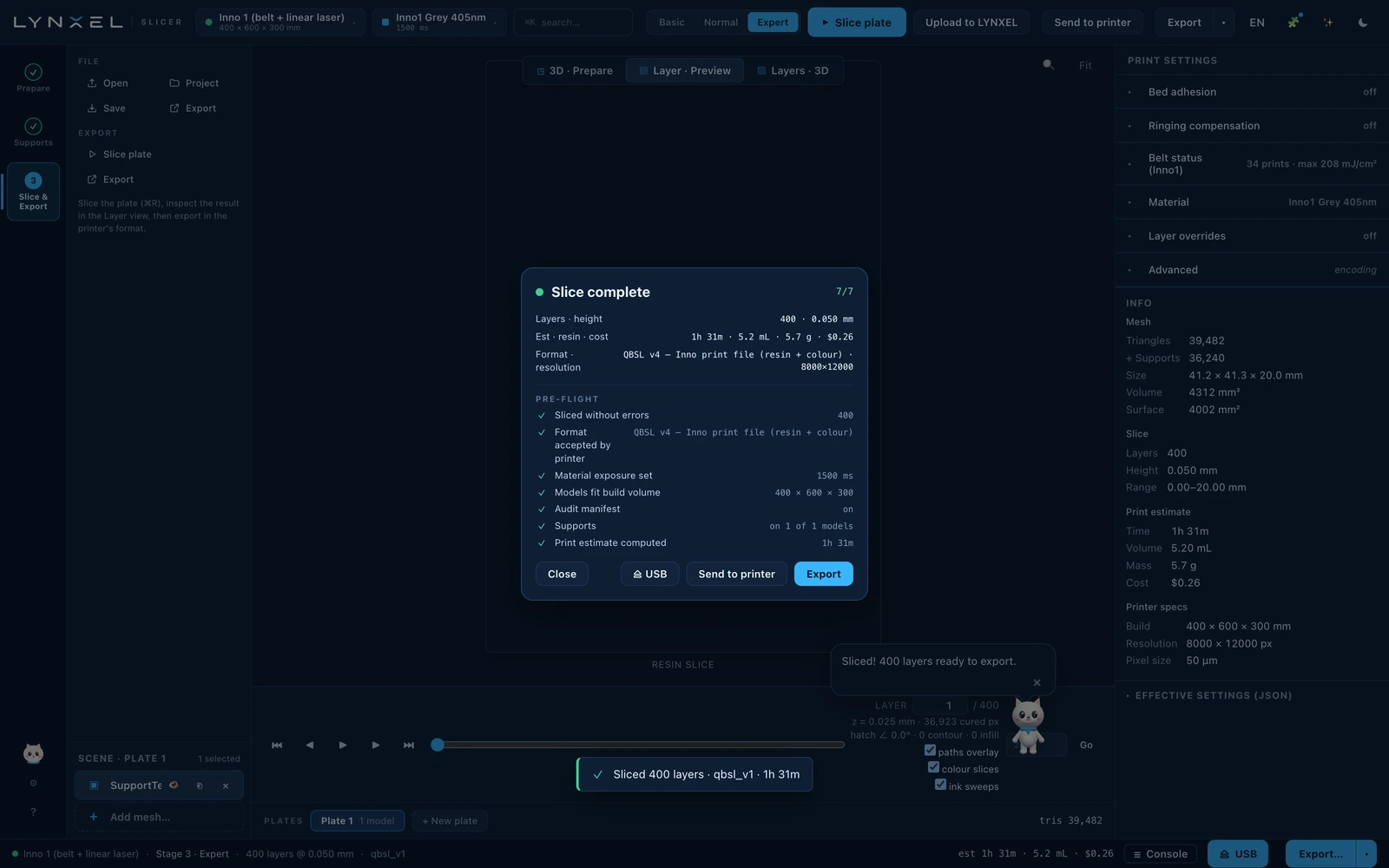
Slice & Export
Review layer count, estimated print time and resin use, then export the prepared print file.